

Can AI tools read your site?
AI readiness is a score out of 100. It shows how easily AI tools, such as ChatGPT or Perplexity, can read and quote your pages. It also shows which AI bots you let in. Included on every tier.
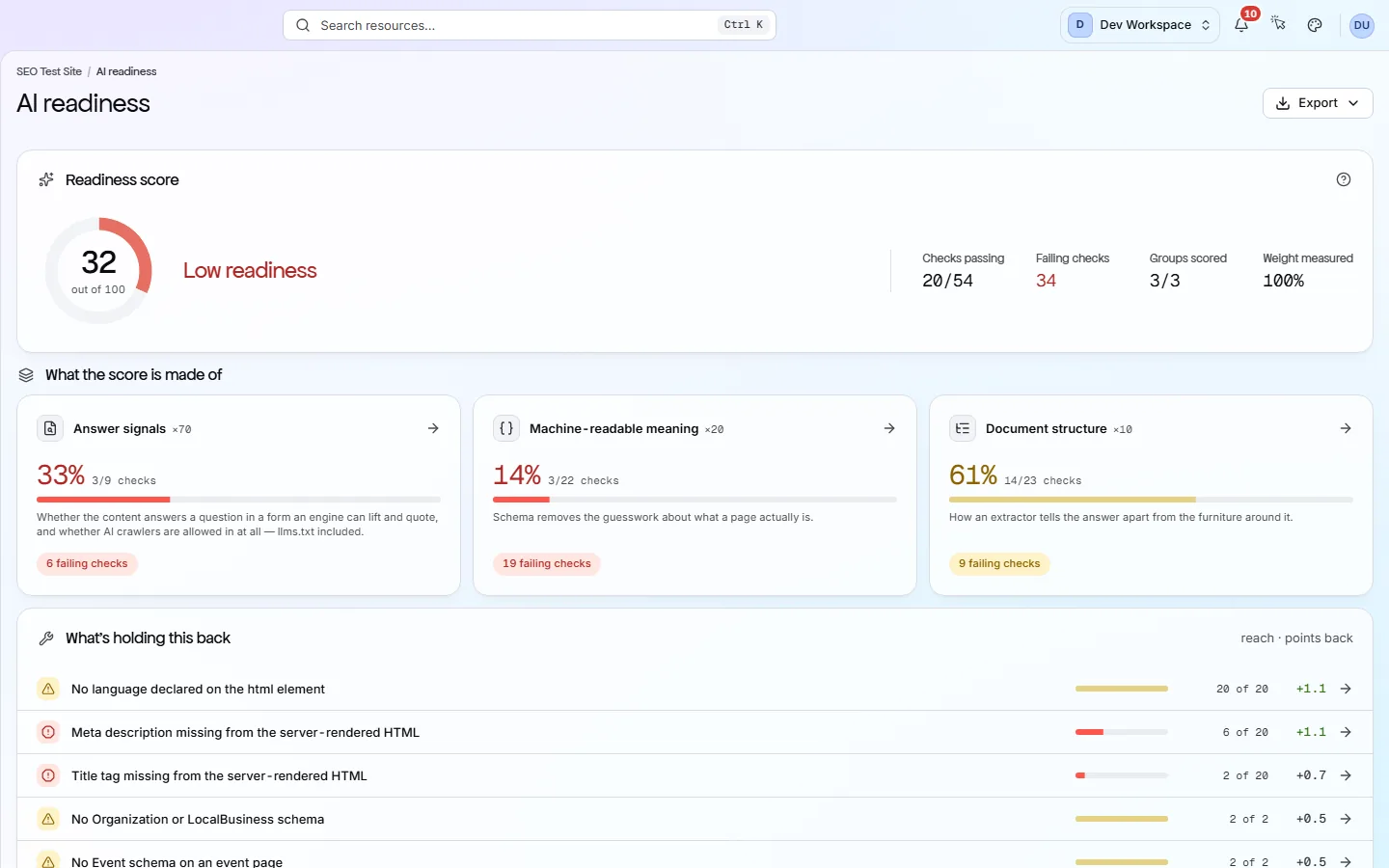
The score
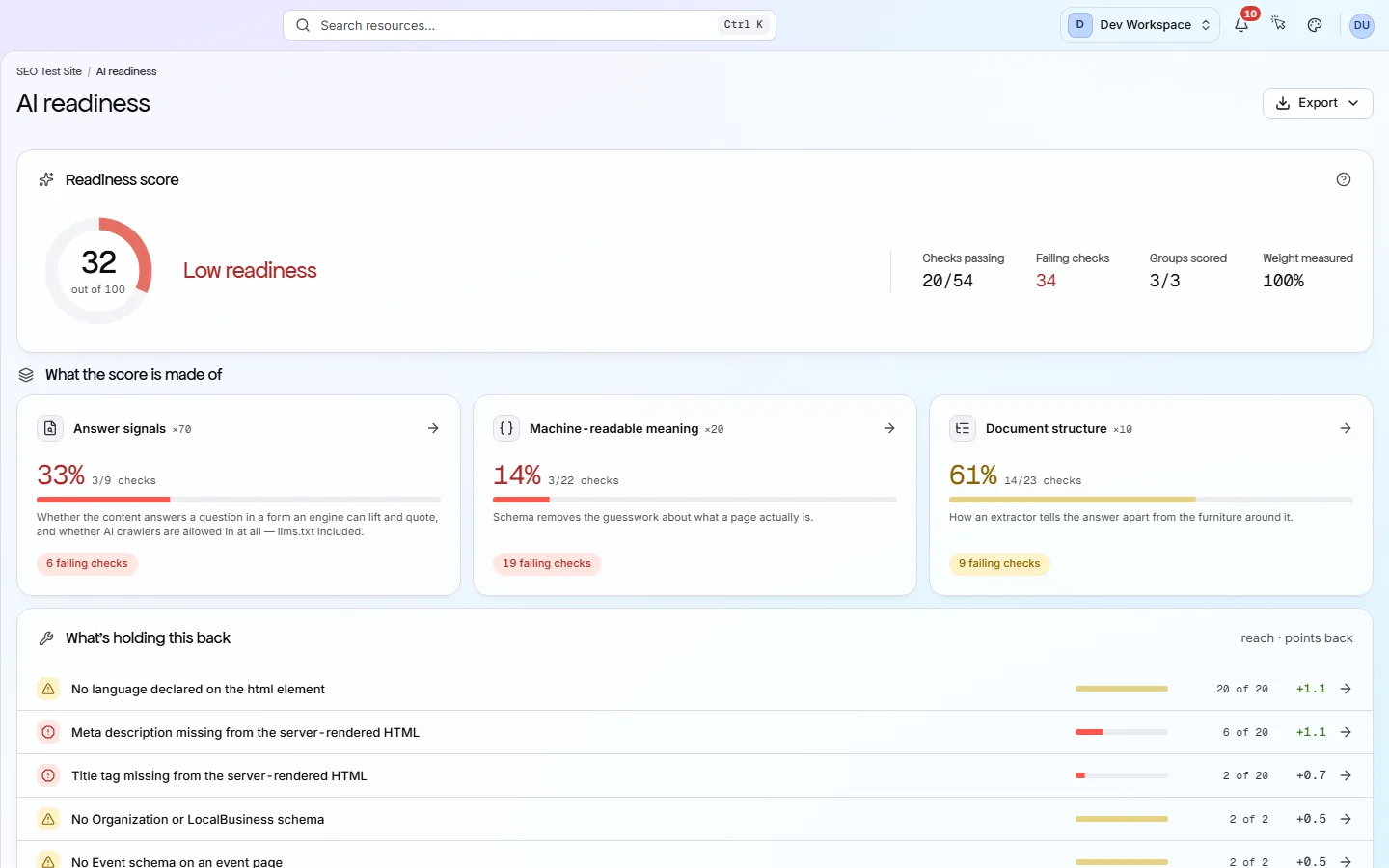
Three groups make up the score
Each group is one of PixyScan's check categories. PixyScan takes the share of its checks you pass, multiplies by the group's weight, and adds the three together.
Answer signals
Content & AnswersIs your content easy for an AI tool to read and quote? Its 9 scored checks cover reading level, thin or near-duplicate pages, leftover placeholder text, comparison pages without a table, and your llms.txt files.
Machine-readable meaning
Structured DataStructured data is code that labels what a page is, such as a product, an article or an FAQ. These checks make sure yours is valid and complete, so AI tools do not have to guess.
Document structure
On-PageTitles, headings and page sections show which text is the main content. These checks help an AI tool tell your answer apart from menus and footers.
An example
Your site passes 60% of Answer signals checks, 90% of Machine-readable meaning checks and 80% of Document structure checks.
0.7 × 60 + 0.2 × 90 + 0.1 × 80 = 42 + 18 + 8 = 68
68 reads Needs work. Answer signals carries 70% of the weight, so fixing those checks moves the score most. 90 and above reads Ready, 75 to 89 Mostly ready, 50 to 74 Needs work, and below 50 Low readiness.
What the score can't tell you
The score measures the signals on your site that you control. It does not predict whether an AI tool will quote or recommend you. That depends on the tool, the question and many sources PixyScan cannot see.
AI bot access
Which AI bots you let in
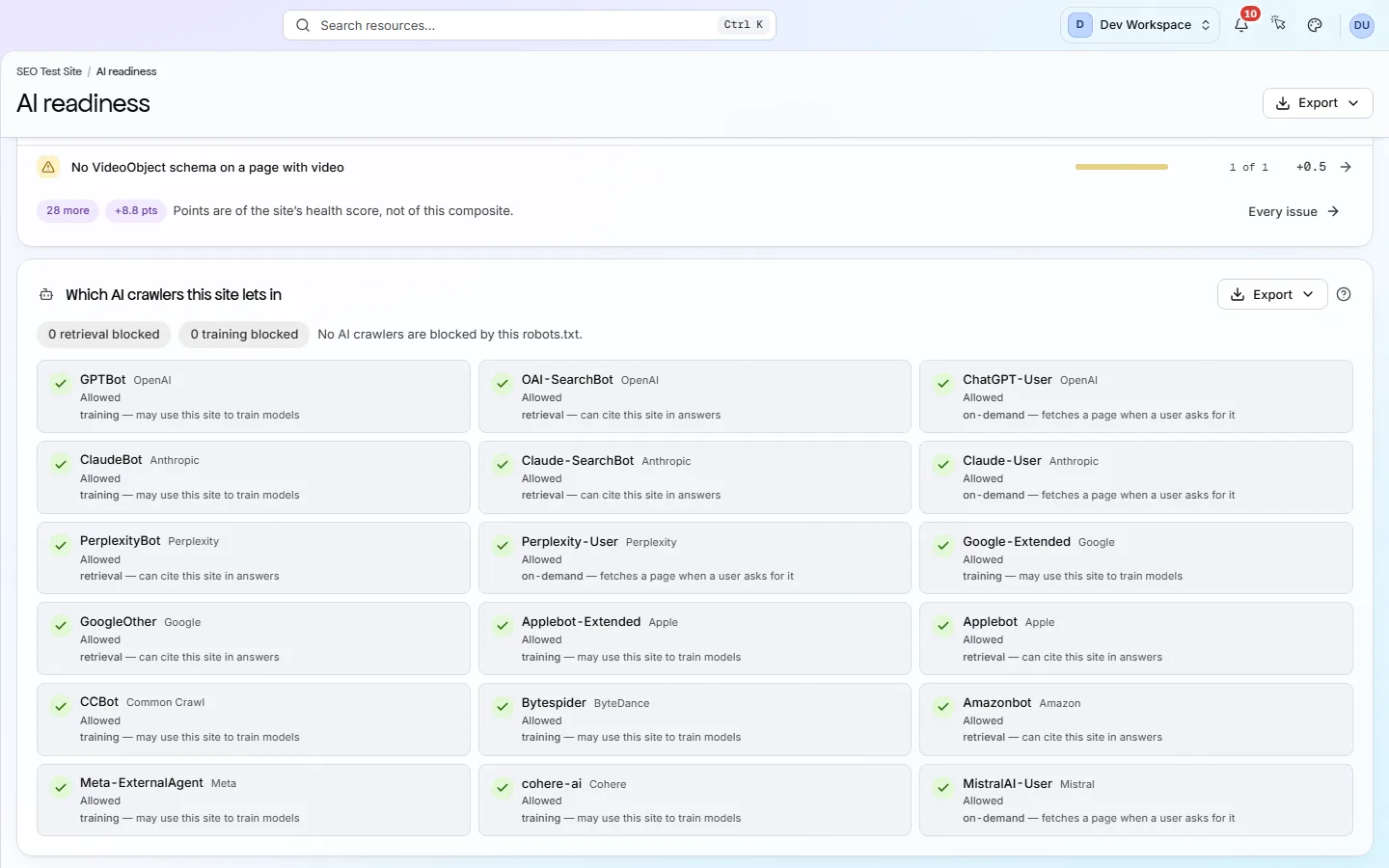
Your robots.txt file tells bots which parts of your site they may visit. PixyScan reads it and shows whether each of 18 AI bots, from 11 companies, is allowed or blocked.
Retrieval
These fetch pages so an AI search tool can answer questions and name its sources. Block them and your pages cannot appear in those answers.
OAI-SearchBot · PerplexityBot
On-demand
These fetch one page when someone gives your link to an AI assistant. Block them and the assistant cannot read that page.
ChatGPT-User · Claude-User
Training
These collect pages to train future AI models. Many sites block them on purpose. Doing so does not block the other two groups.
GPTBot · ClaudeBot · CCBot · Google-Extended
Bot access is not part of the score, because which bots you allow is your choice. PixyScan simply shows what your rules actually do.
What to do
Start with these four steps. They cover what counts most.
- Check the AI bot section. Make sure the retrieval bots you want to be quoted by are allowed.
- Fix Answer signals issues first. That group carries 70% of the score.
- Add valid structured data to your key pages, such as products, articles and FAQs.
- Give every page a clear title, a meta description and one H1 heading.
Every issue has a step-by-step fix guide in the app. After fixing, run a new scan to see the score change. How the health score works
About llms.txt
llms.txt is an optional text file that lists your most useful pages for AI tools. llms-full.txt holds their full text. Few AI tools read them yet, and search engines do not use them.
- PixyScan checks that llms.txt and llms-full.txt exist.
- It checks that llms.txt follows the llms.txt format.
- It checks that every link inside llms.txt leads to a working page.
- In the health score these are standard checks, so each costs little. In AI readiness each counts for more, as one of the 9 checks in Answer signals.
- A suggestion lists scanned pages missing from llms.txt. It never costs points.
You can see our own at pixyscan.com/llms.txt and pixyscan.com/llms-full.txt.
More views
Other tabs on this screen
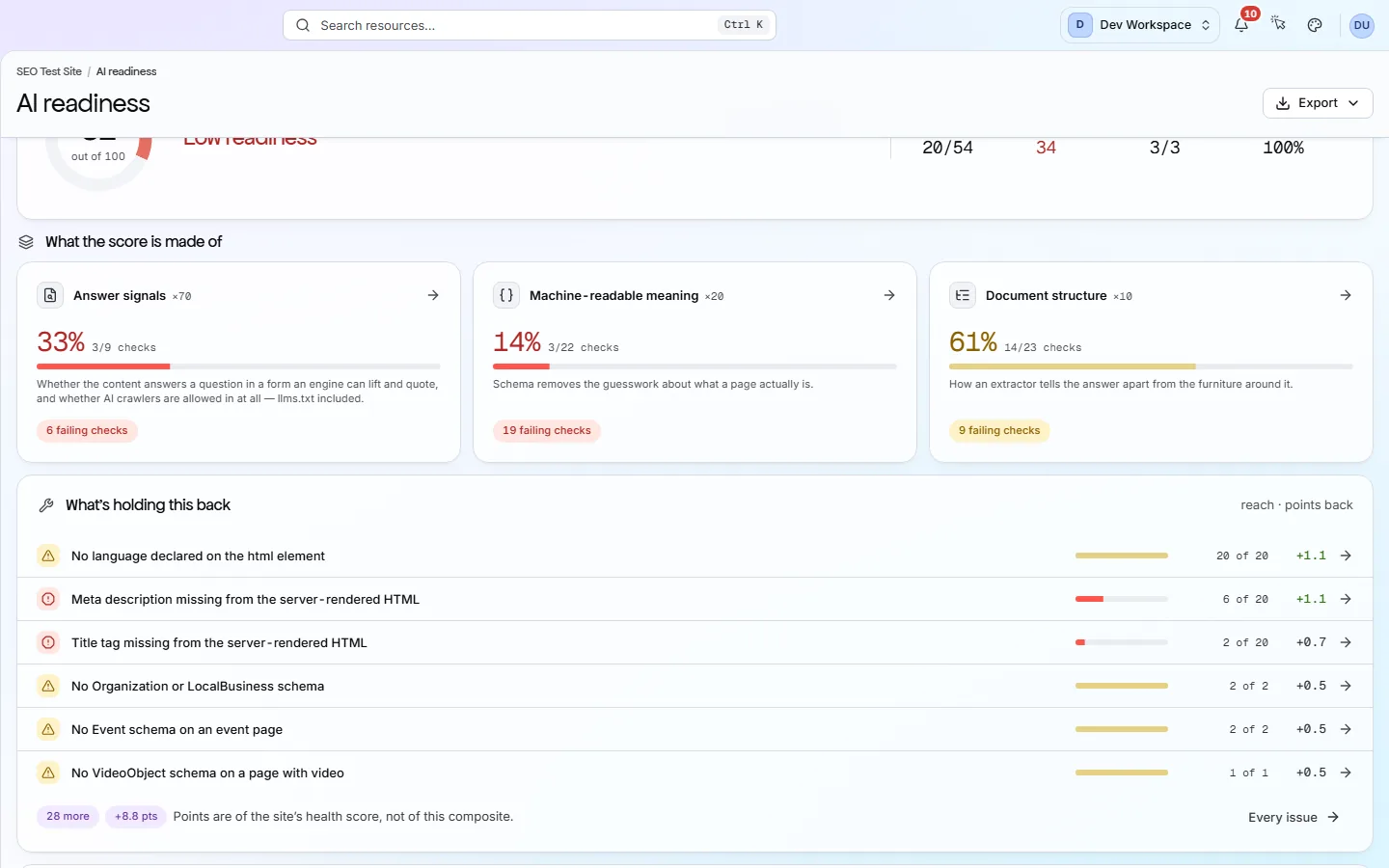
The other parts of the AI readiness screen.
FAQ
Common questions about AI readiness
Does it tell me if ChatGPT quotes my site?
No. It checks that your pages give AI tools what they need, but it cannot predict whether any tool will quote you. PixyScan does not track AI answers or rankings.
Is it included on Free?
Yes. The AI readiness score is worked out on every scan, on every tier.
Which checks make up each group?
Answer signals uses the Content & Answers checks, such as readability, thin pages and llms.txt. Machine-readable meaning uses the Structured Data checks. Document structure uses On-Page checks, such as headings.
Can I download it as a report?
Yes. Export downloads the AI readiness report as PDF, CSV, XLSX, JSON or Markdown, on every tier. On Free it leaves out the fix steps.
Check your site's AI readiness
One free scan shows your AI readiness score, which AI bots you allow, and what to fix first.
No card needed · Nothing to install · Cancel any time