

Catch site problems before they go live
Add one command to your CI pipeline (the automated steps that build and release your code). PixyScan scans the deploy and fails the build if the score drops too low.
Does this sound familiar?
If this sounds like your week, read on. Below is how PixyScan helps.
- A framework upgrade dropped the meta tags from every page, and no test noticed.
- Audit reports reach you as screenshots, without the URLs you need to reproduce them.
- Preview scans get mixed up with live-site results, so you can't trust either.
How PixyScan helps
How PixyScan helps
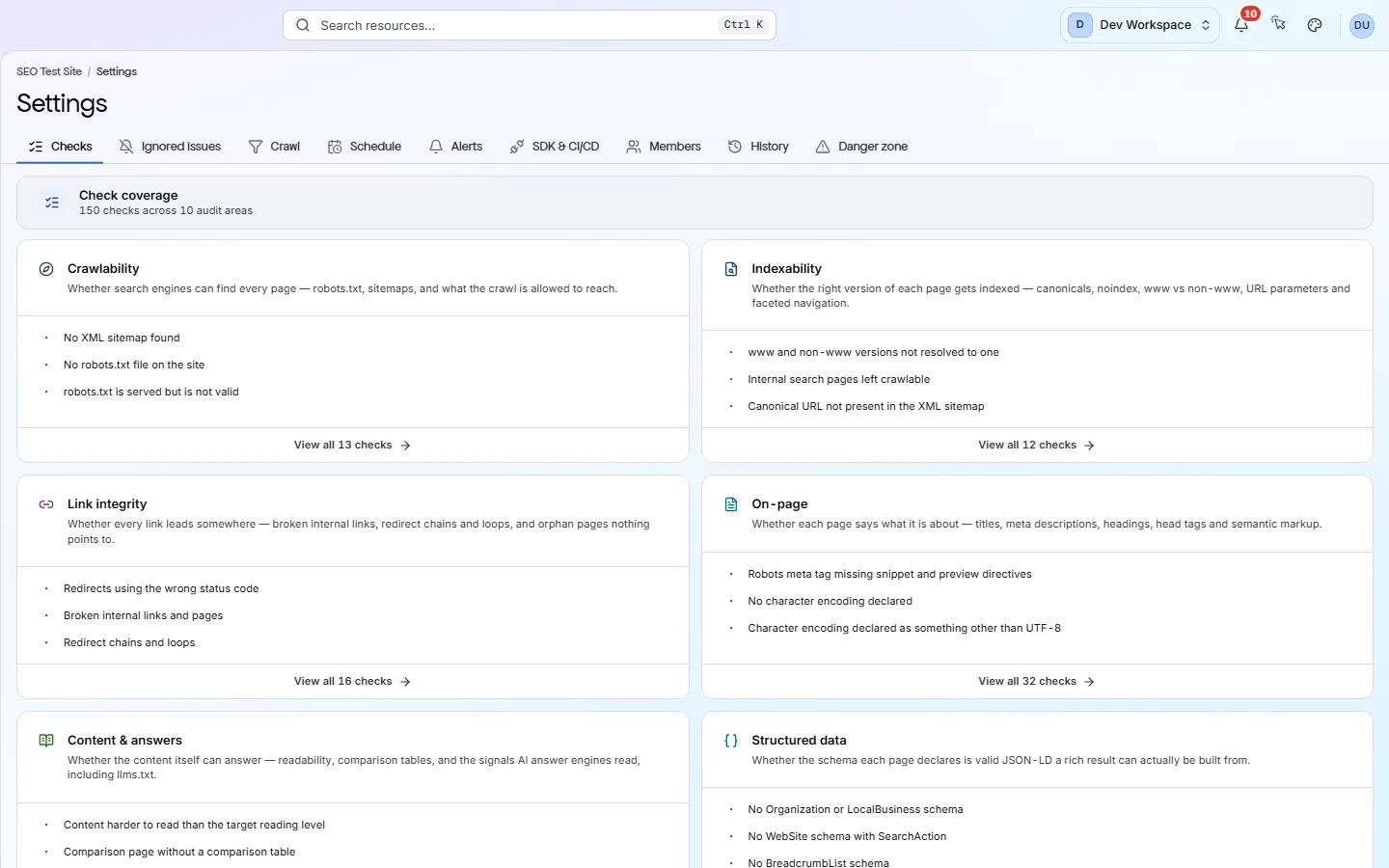
Each card is a real screen in the app: what you see there and what you do with it.
- 01
A pass or fail in CI
Run npx pixyscan-sdk run with the site's client secret. It prints the score and the problems behind it, and exits with code 1 when the gate fails, like a failing test.
- 02
Preview and live kept apart
Each scan records its branch and is only compared with scans of that branch. You link each branch to its address. A branch with no address is refused, not guessed.
- 03
Problems you can reproduce
Each problem lists the exact URLs and what the crawler found on each, such as a missing tag or a redirect chain. Anyone can open the URL and see it.
Getting started
Get started in 3 steps
- Step 1
Create a client secret
Open Settings → SDK & CI/CD and create the site's client secret. It is shown once, so save it in your CI secret store. Then link each branch to its address.
- Step 2
Add one step to your pipeline
Add npx pixyscan-sdk run with the secret. Set the minimum score to today's score, so the check passes now and fails only if things get worse.
- Step 3
Read failures in the log
A failed check prints the score and the problems behind it. Open them in the app to see every URL, fix them on the branch and push again.
Worth knowing
- The branch is found automatically on GitHub Actions, GitLab CI, CircleCI, Bitbucket Pipelines and Vercel.
- Fail the build on the score, on up to 200 named checks, or both.
- From Pro up, a real browser runs your pages' JavaScript before checking them.
- Include and exclude patterns keep paths such as /admin out of the scan.
- Each scan records the commit it ran for. With Search Console connected, deploys are marked on the search trend, and a sharp drop in Google clicks after one sends an alert.
What it doesn’t do
- No GitHub app. Nothing comments on a pull request or blocks a merge by itself.
- No public REST API yet. Results come out through the CLI, the MCP server and exports.
- The default gate is a score of 97. Many sites start lower, so set it to today's score first.
Start with Basic
Basic ($39 a month) is the first tier with the CLI and CI/CD checks. It covers 5 sites, 3 people and 10,000 pages per scan. If your pages build their content with JavaScript, choose Pro ($129 a month): it adds browser rendering, 25 sites, 15,000 pages per scan and 5 scans at once.
FAQ
Questions you might have
Do we need a config file in the repo?
No. The command and the client secret are enough. If you want the rules reviewed in code, add an optional pixyscan-settings.json with a minimum score and checks to fail on.
Can it crawl a JavaScript app?
Yes, from Pro up. Switch the site to JavaScript rendering in Settings → Crawl. It takes about 7.6 times longer, so use it only when your content needs it.
How long does the pipeline step take?
It depends on how many pages are scanned. The command waits up to five minutes by default, and --timeout changes that.
How do I tell a network error from a real failure?
By the exit code. 1 means your gate failed. 2 means bad input, such as a branch with no address. 3 means PixyScan could not be reached.
Does it comment on pull requests?
No, there is no GitHub app. Your pipeline uses the exit code to pass or fail the build.
Screens and features to explore
See what is wrong with your site
Add your site and get your score, your to-do list and a fix guide for every problem. Free for one site and 500 pages a month. No card, no time limit.
No card needed · Nothing to install · Cancel any time