

Help to get the most from PixyScan
Everything you need is here. The user guide walks through every screen. The score page explains your health score. The FAQ answers common questions about pricing, credits and your data. Below, see all 202 checks in their 10 categories.
- A guide for every screen
- How the score works
- A dated changelog
- On-Page
- Structured Data
- Link Integrity
- Delivery & Trust
- Crawlability
- Social & Sharing
- Content & Answers
- Indexability
- Media
- International
Start here
Find the help you need
Learn the app, understand your score, get quick answers and see what changed recently.
User guide
Step-by-step help for every screen in the app. It starts with signing up and your first scan. Then it explains what each screen shows and what to do next.
- 1Set up
- 2Your workspace
- 3Understand
- 4Explore
- 5Monitor
- 6Manage
How the score works
Your health score is a number out of 100. This page shows how it is worked out. A more serious problem, or one on more pages, costs more points.
FAQ
Answers to the questions people ask most: what PixyScan checks, how credits and pricing work, which tier each feature needs and where your data is stored.
- ?What is PixyScan?
- ?What is an SEO audit, and why do I need one?
- ?Who is PixyScan for?
- + 40 more
Changelog
What has changed in PixyScan, newest first, with a date for each. New features, changes, fixes and any checks we removed.
- 2026-08-246 entries · added: Scan data is now kept for a set time based on your tier: 30 days on Free, 180 days on Hobby, 1 year on Basic, 2 years on Pro and up to 10 years on Enterprise.
- 2026-08-216 entries · added: The Links screen now shows which pages link to each URL, not just where each page links out to.
- 2026-08-204 entries · added: Check scopes let you limit a single check to certain URLs, or exclude URLs from it.
What we check
202 checks in 10 categories
A check is one test PixyScan runs on your site, like “does every page have a title?”. There are 202, grouped into these 10 categories. When one fails, the app shows the problem and how to fix it.
On-Page
These checks look at each page's title, meta description, headings and URL. They flag any that are missing, empty, duplicated on other pages, too long or too short, including pages with more than one H1, because these are the first things search engines read and show.
Structured Data
Structured data is code on a page that tells search engines exactly what the page is, such as a product, an article or an FAQ. These checks validate it for 31 schema.org types, because markup with errors cannot earn rich results.
Link Integrity
These checks find broken links, server errors, redirect chains and loops, pages that no other page links to and pages that link nowhere. They also flag links search engines cannot follow, links with no text, links to localhost or staging addresses and links to a #section that does not exist. Testing whether external links still work, or redirect, starts on Hobby.
Delivery & Trust
These checks cover HTTPS, SSL certificates (including ones about to expire), outdated TLS versions, security headers, mixed content, compression, render-blocking scripts and page size. On Hobby and above, once you add your own Google API key, they also flag poor Core Web Vitals (Google's measures of loading speed and visual stability) and Lighthouse findings such as unused code, oversized images and short cache times.
Crawlability
Your robots.txt file and your sitemaps tell search engines which pages to visit. These checks read both, and they flag sitemaps that list broken, blocked or duplicate pages, CSS and JavaScript files that robots.txt blocks, and pages that failed to load during the scan.
Content & Answers
These checks find thin pages, near-duplicate pages, leftover placeholder text and content that is hard to read. They also check whether you publish an llms.txt file and whether it follows the format.
Indexability
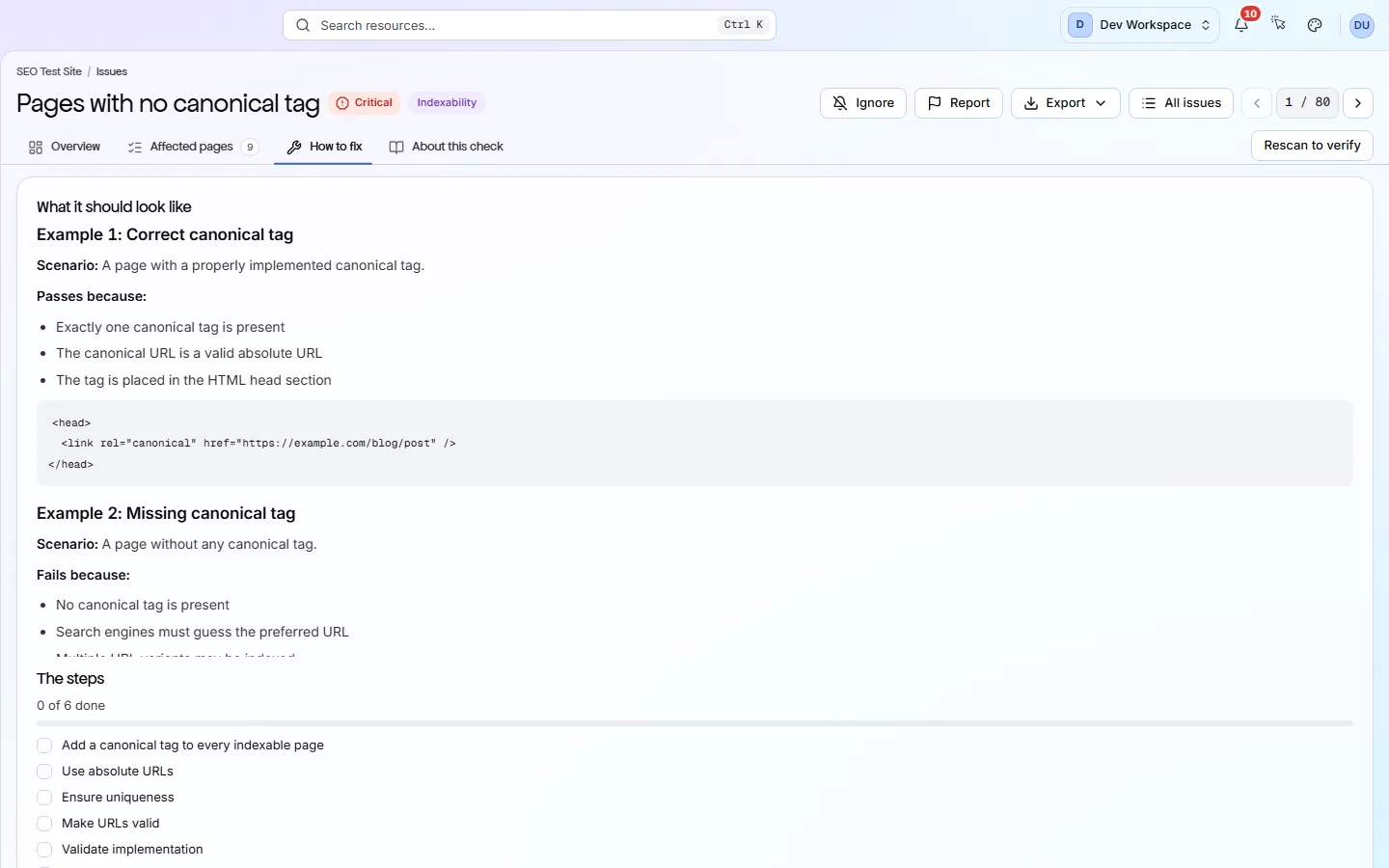
A page can be reachable and still be kept out of search results. These checks look at canonical tags, noindex and nofollow rules, pagination and soft 404s (error pages that report success) to show which pages search engines may index. They also catch canonicals that point at broken, redirected or noindexed pages, or that contradict each other.
Media
These checks look at each image's alt text, size, format and file name, and flag images that are too heavy or in an older format. On Hobby and above they also find images that no longer load.
International
hreflang tags tell search engines which language or region each version of a page is for. These checks make sure the tags point back at each other in pairs and use valid language codes.
Each bar shows how many checks a category has, out of 202 in total. Free runs 181 of them. The rest start on Hobby.
See what is wrong with your site
Add your site and get your score, your to-do list and a fix guide for every problem. Free for one site and 500 pages a month. No card, no time limit.
No card needed · Nothing to install · Cancel any time
Social & Sharing
Open Graph and Twitter tags set the title, description and image shown when someone shares your link. These checks make sure each one is present and set correctly, so a shared link does not appear blank or broken.