

Find broken and weak links
The Links screen shows every link the scan found: links to other sites and links between your own pages. Use it to find broken links, the pages they sit on, and pages that get too few links.
What it tells you
Questions this screen answers
What people want to know when they open this screen, and where to find the answer.
- 01
Which of my links are broken?
Click the Broken chip. Each dead URL is counted once, however many pages link to it, because one fix clears it everywhere. Checking links to other sites starts on Hobby; on Free they read “not checked”.
- 02
Which page has the broken link?
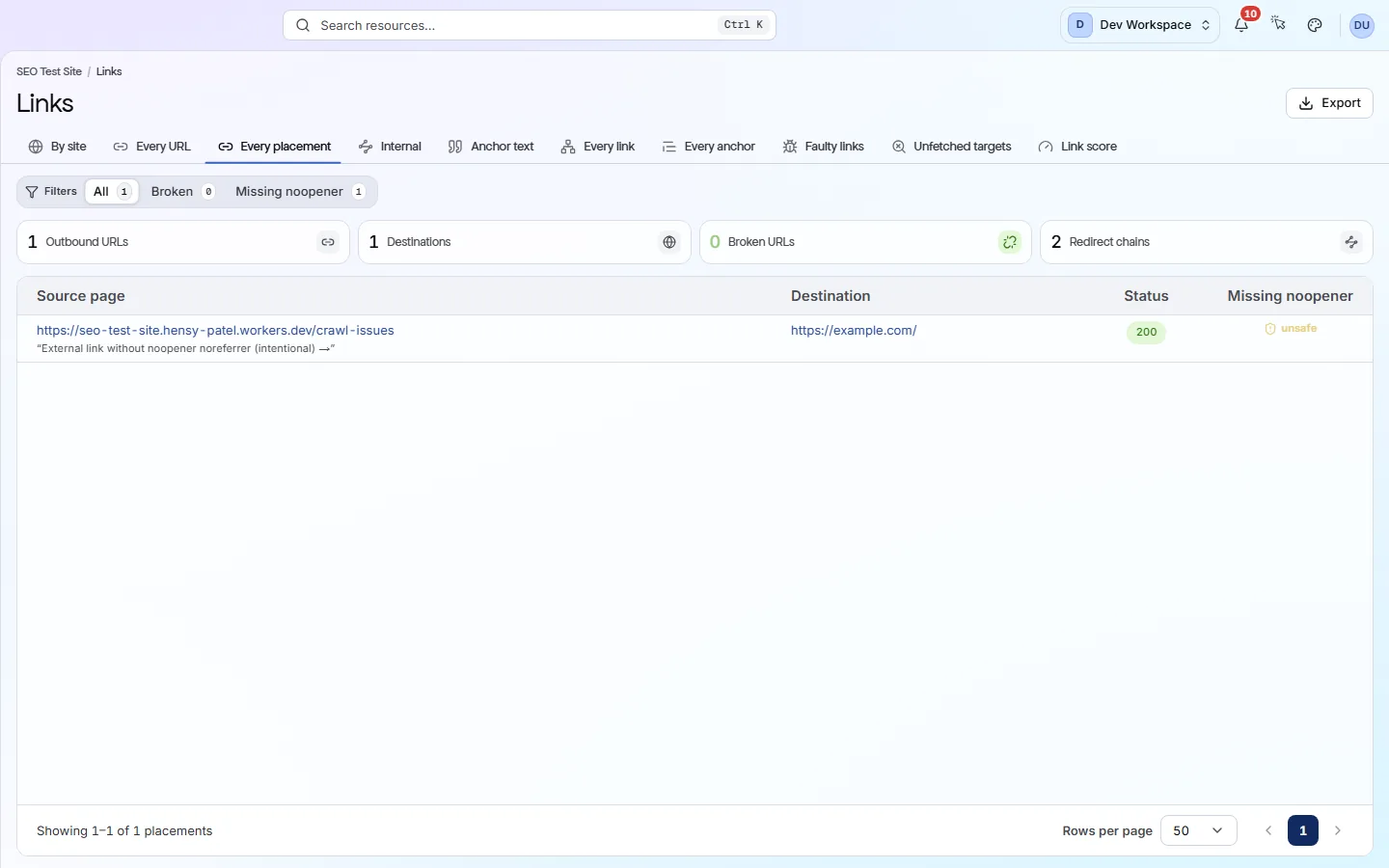
Open Every placement and click Broken. Each row shows the page the link is on, where it points, its anchor text (the clickable words) and the error. Fix the link on that page, or in the template if it repeats.
- 03
Which sites do I link to?
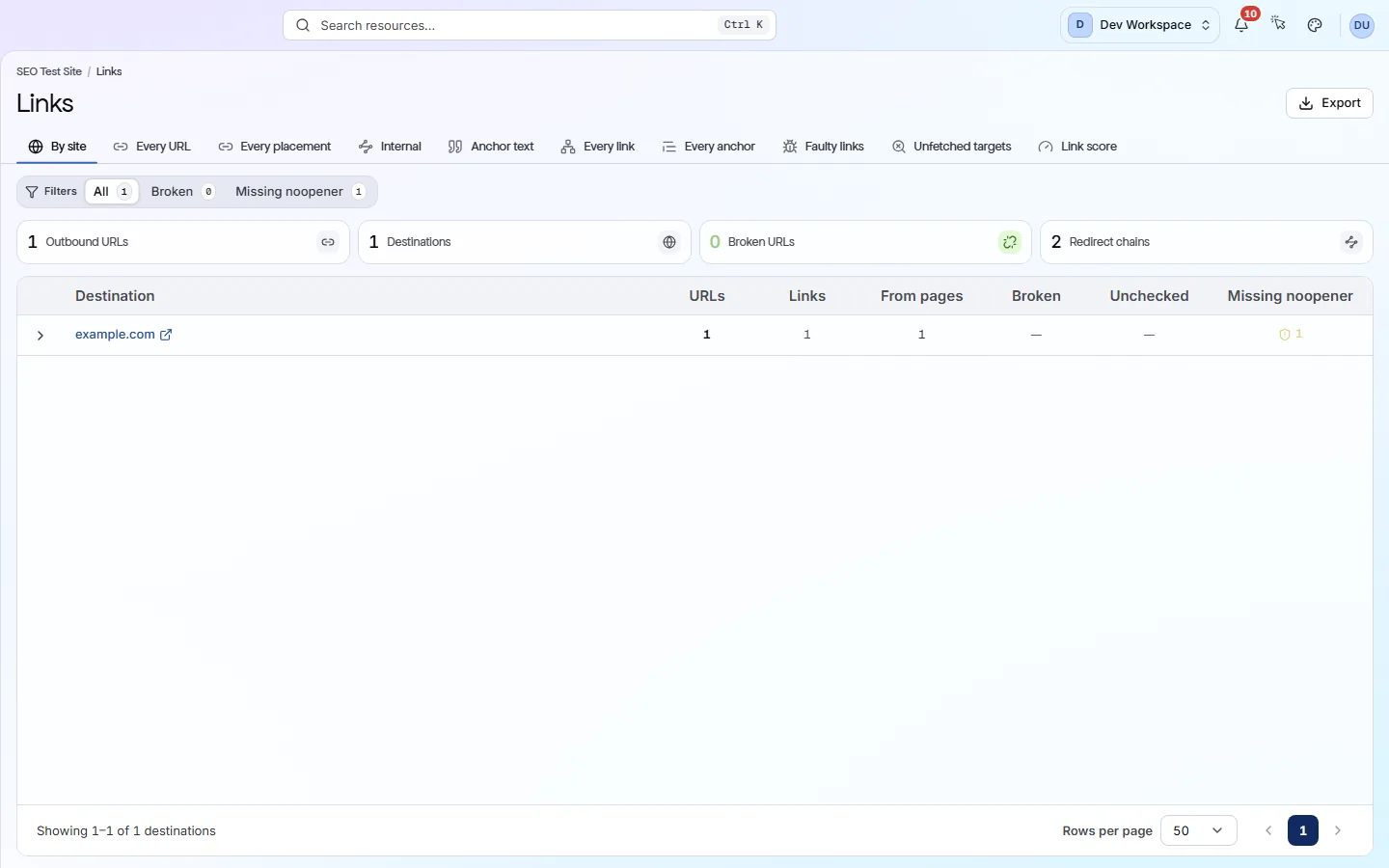
The By site tab groups your outgoing links by the site they point to. Open a row to see each URL and the pages linking to it. It is a quick way to find links to old domains.
- 04
Are my own pages linked well?
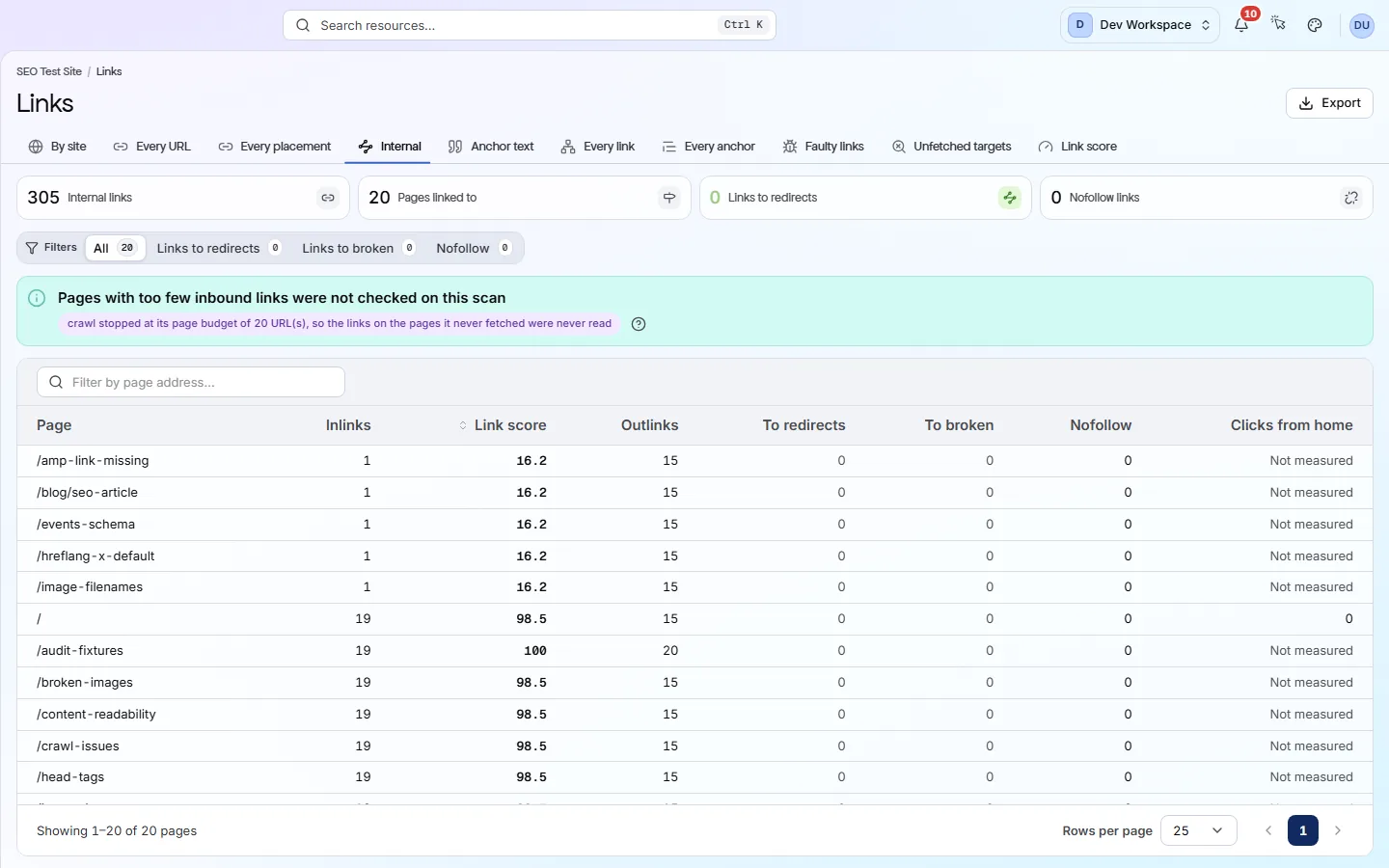
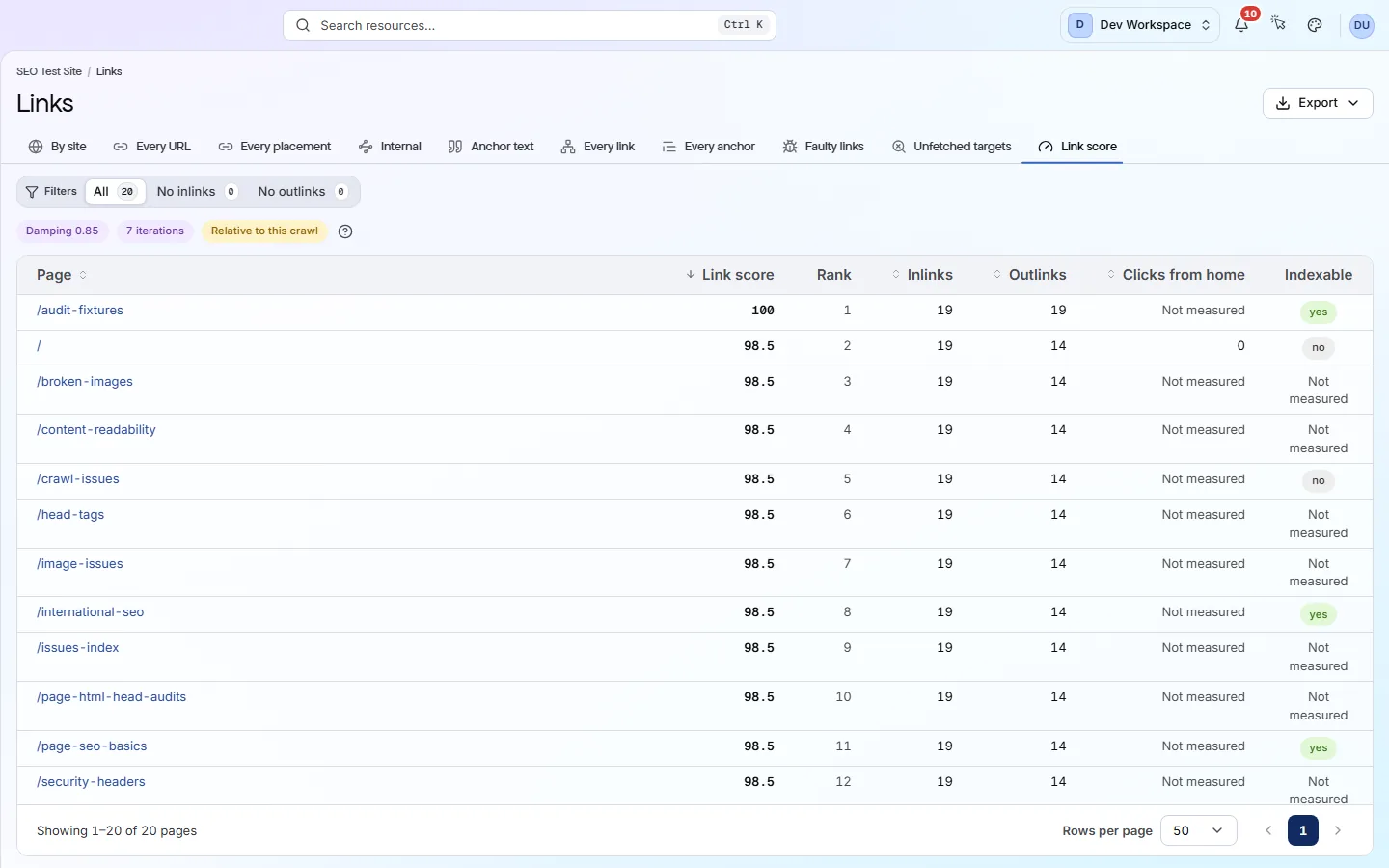
The Internal tab lists each page with its inlinks (links to it) and outlinks (links on it). Link score ranks pages by the links they receive. If an important page ranks low, link to it from your menu or related pages.
Good to know
The main facts about this screen, and the check categories it shows.
Check categories shown here
Link Integrity
These checks find broken links, server errors, redirect chains and loops, pages that no other page links to and pages that link nowhere. They also flag links search engines cannot follow, links with no text, links to localhost or staging addresses and links to a #section that does not exist. Testing whether external links still work, or redirect, starts on Hobby.
Delivery & Trust
These checks cover HTTPS, SSL certificates (including ones about to expire), outdated TLS versions, security headers, mixed content, compression, render-blocking scripts and page size. On Hobby and above, once you add your own Google API key, they also flag poor Core Web Vitals (Google's measures of loading speed and visual stability) and Lighthouse findings such as unused code, oversized images and short cache times.
Crawlability
Your robots.txt file and your sitemaps tell search engines which pages to visit. These checks read both, and they flag sitemaps that list broken, blocked or duplicate pages, CSS and JavaScript files that robots.txt blocks, and pages that failed to load during the scan.
Key facts
Before you open this screen
- Links to other sites can be grouped by site, by URL or by the page they sit on.
- Each dead URL counts once, so one broken footer link is one problem, not hundreds.
- The Internal tab shows how many links point to and from each of your pages.
- Link score ranks your pages by the internal links they receive; the strongest scores 100.
What's on the screen
The screen, part by part
Each part of the screen, from top to bottom.
- 01
Tabs
Ten tabs. By site, Every URL and Every placement cover links to other sites. The other seven cover links between your own pages.
- 02
Filters
A search box and chips for All, Broken and Missing noopener. Missing noopener flags links that open a new tab without a safety attribute that protects your page.
- 03
Summary cards
Outbound tabs show Outbound URLs, Destinations, Broken URLs and Redirect chains. The Internal tab has its own cards, such as links to redirects and nofollow links.
- 04
The table
A row is a site, a URL or one link on one page, depending on the tab. On By site, open a row to see the URLs and pages underneath.
Your first visit, step by step
A simple order to follow after your first scan.
- 1
Open By site and check the Broken column.
- 2
Switch to Every placement and click Broken to see which pages hold dead links.
- 3
Open Internal and click Links to redirects; point those links straight at the final address.
- 4
Open Link score and check your key pages are near the top.
More views
Other tabs on this screen
The other tabs and views on this screen.
FAQ
Common questions about this screen
Why do my links say “not checked” on Free?
To test a link, PixyScan must send a request to it. Those requests start on Hobby (50,000 a month). On Free, links to other sites are listed but not tested. Links between your own pages still show a status.
Does this screen change my health score?
No, this screen only shows what the scan found. But link problems such as broken internal links and redirect chains are also scored checks on the Issues screen.
Can it show who links to my site?
No. PixyScan only sees links on your own site, so it has no backlink data. Use a backlink tool or Google Search Console for that.
Can I export the links?
Yes, from Hobby up. Export downloads the list you are looking at, so pick your tab and filters first.
Continue the product tour
Previous and next screens
Screens follow the order of the app’s menu. See the full list to jump to any of them.
See what is wrong with your site
Add your site and get your score, your to-do list and a fix guide for every problem. Free for one site and 500 pages a month. No card, no time limit.
No card needed · Nothing to install · Cancel any time